 K3D
K3D Features
Two spaces, vehicles and clothing. Each part does one job end to end: open, edit, install on your server.
Vehicle Studio
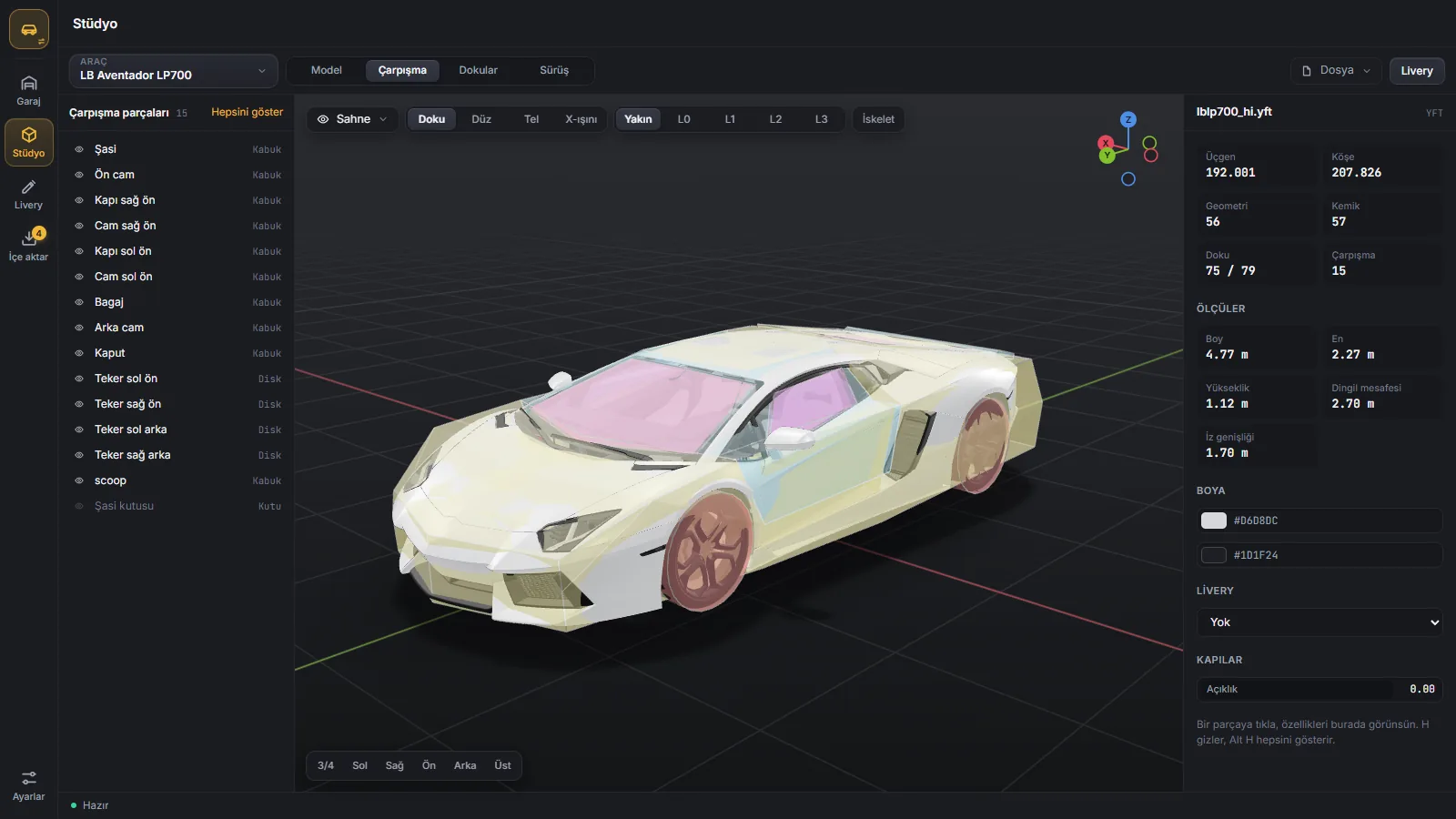
- Parts by plain names: doors, bonnet, bumpers, glass, wheels
- Textured, solid, wireframe and x-ray views; the near model and four LODs
- Collisions piece by piece; skeleton and joints
- Open doors, bonnet and boot; length, width, wheelbase
- Saved liveries on the car
- Click a surface and delete it; the hole closes by itself
- Add parts from GLB, glTF, OBJ and FBX; move, rotate, scale
- Restyle a part with one of the car's own materials
- Swap a texture for a PNG, JPG or WebP (DXT with a mip chain)
- Save: written into the yft, physics kept, the old file backed up
Handling and files
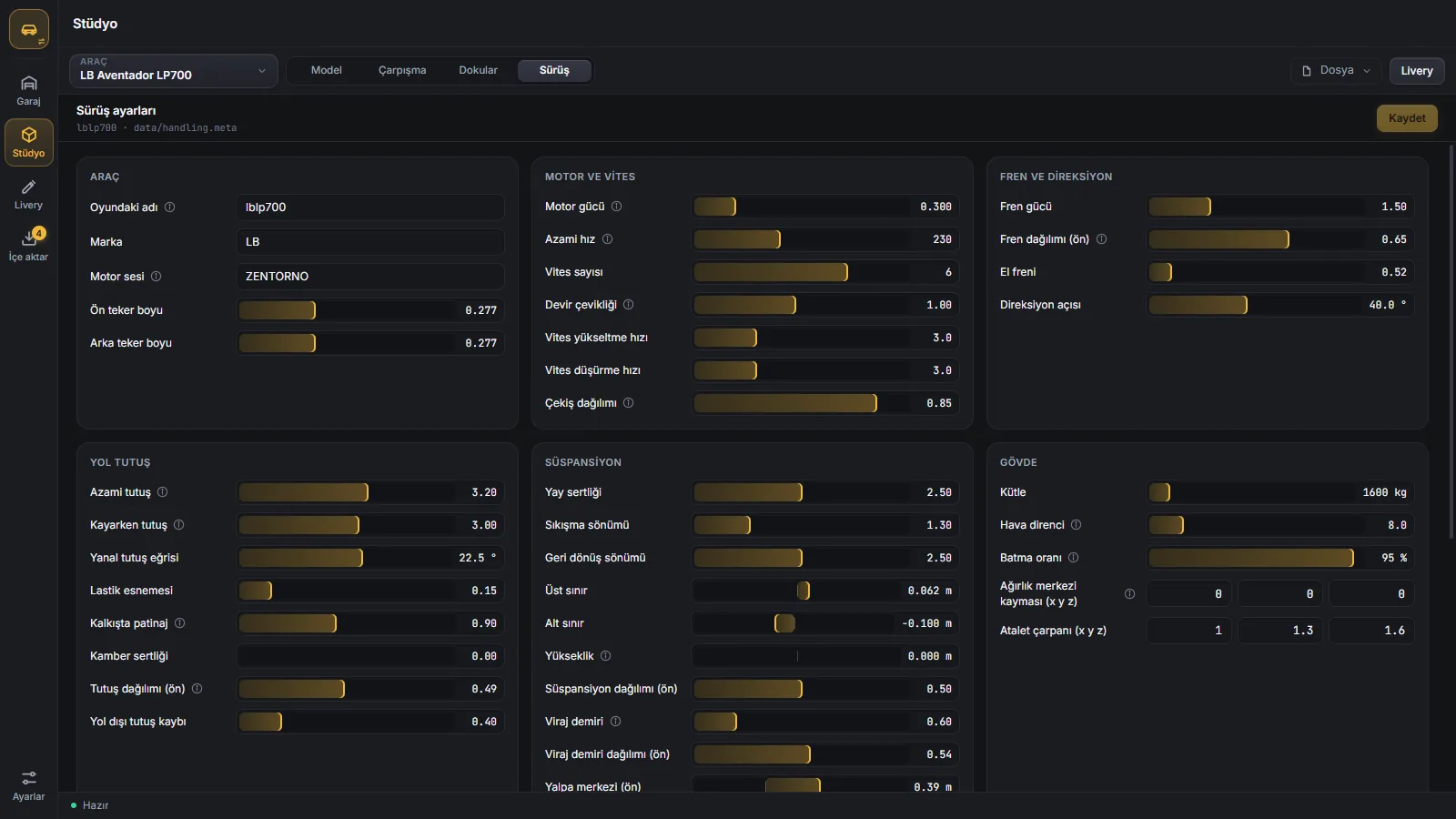
- handling.meta: engine, gears, brakes, grip, suspension, body, damage
- Car name, make, engine sound and wheel size
- Only the values you change are written; the file keeps its layout
- Open a yft, a folder or a zip, rar, 7z from disk; drag and drop
- Export the resource as a zip
- No Blender or GTA V needed
Livery
- Tools: band, stripes, ellipse, text and image
- Layer groups, blend modes (erase, clip), multi-select
- Gradients, outlines, mirroring (left and right)
- Sticker and logo library, upload your own logo
- Vinyl groups that fit other cars
- 3D view and template side by side, updated instantly
- Car paint and finish: gloss, matte, metallic, pearl, chrome
- Big pictures are shrunk automatically
- Save, build the game's livery file, install on your server
- An unsaved draft comes back
Car import
- Zip, rar, 7z and dlc.rpf archives
- FiveM resources, add-on packs and Replace mods
- Two copies of the same car count once
- Poly, LOD, texture memory and file size
- Known problems fixed: texture parent, handling, audio, layout
- Optimise: near model, LODs and textures shrink
- Test candidates on your server, then add them to a pack
- Replace a pack car; its name, handling and kit stay
Clothing
- Clothing packs on your server or in any folder
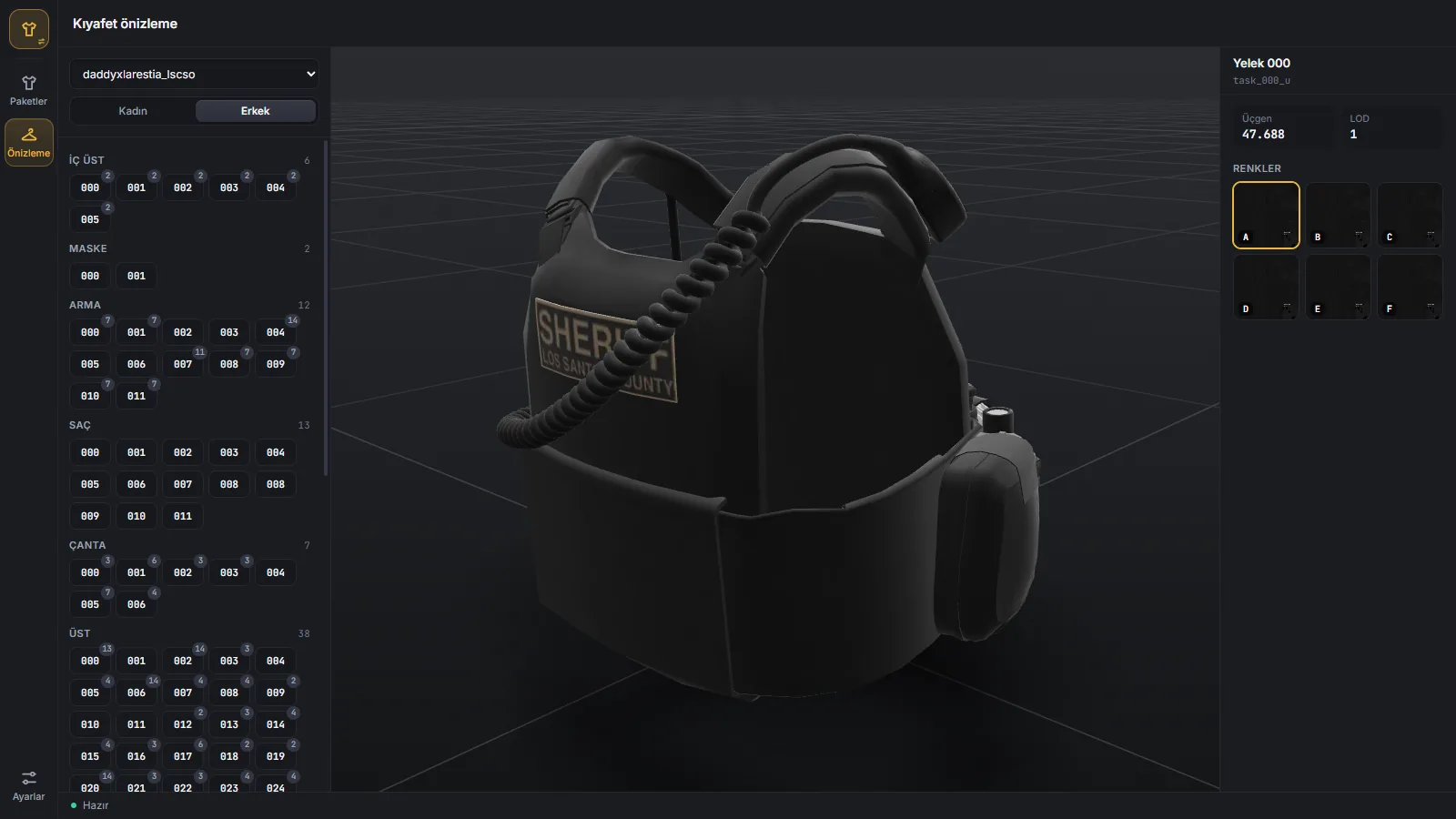
- Preview garments in 3D: by body part, women's and men's, with their colour variants
- Finds uncompressed, mipless and oversized textures
- You choose the largest texture size: 1024, 2048 or 4096
- Before and after: video memory and disk
- A list of the heaviest textures
- The original is backed up, then the new copy goes in
Coming next
Vehicle optimiser
Lights and sirens
Rim swap
Collision maker
Modkit and extras editor
Clothing editor
RPF explorer
Prop tools
Requirements
- Windows 10 or 11, 64-bit
- GTA V is optional: when it is there, cars show with the game's shared textures
- Internet to sign in; then it works 7 days offline